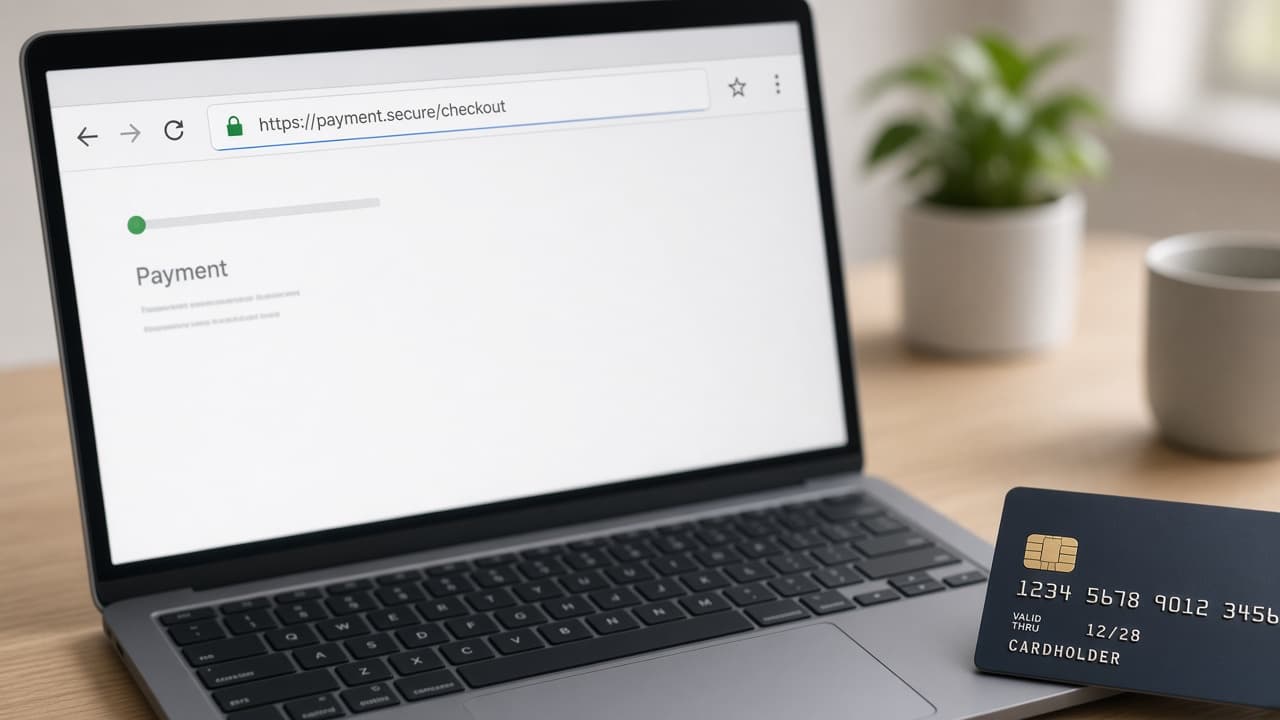
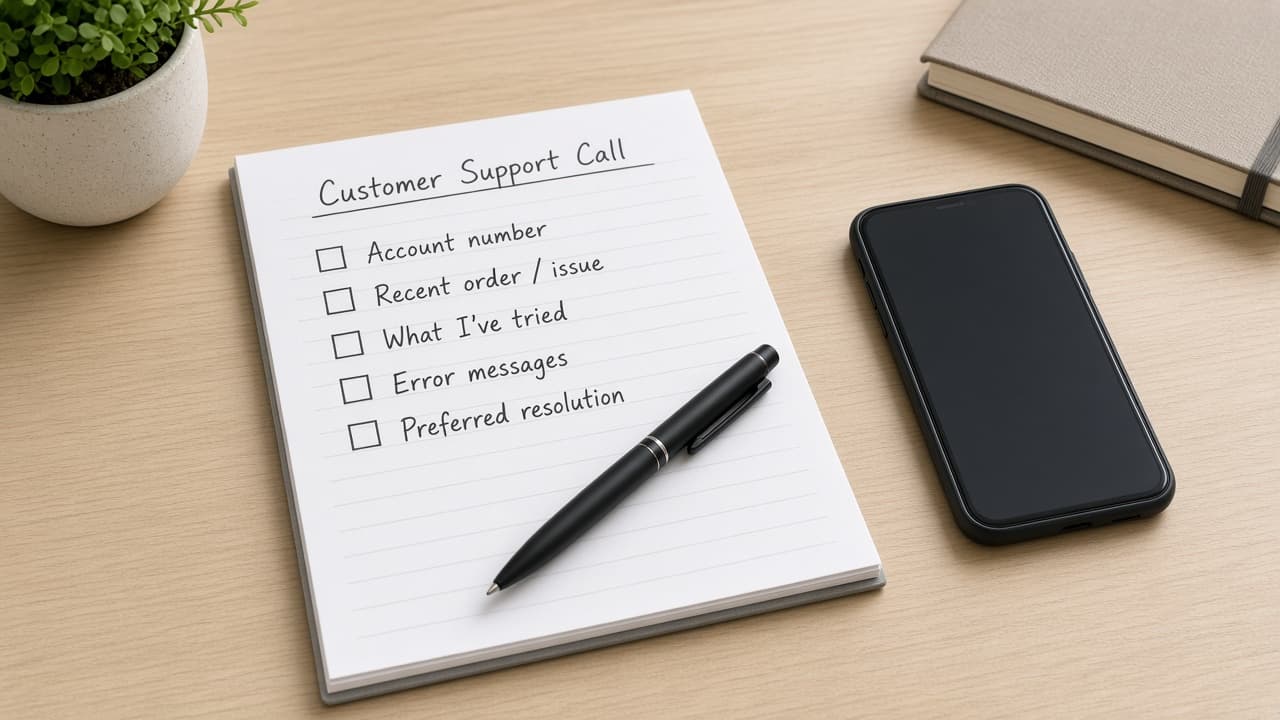
Most Spectrum account login issues clear with careful credentials and an official password reset. Never enter your Spectrum password on third-party recovery sites.
How to Fix Spectrum Account Login Problems
Step 1: Confirm the official Spectrum login page
Open Spectrum’s official website or app and check the domain before signing in. Close tabs from search ads if you are unsure. Expect this check to take under a minute and prevent phishing mistakes.
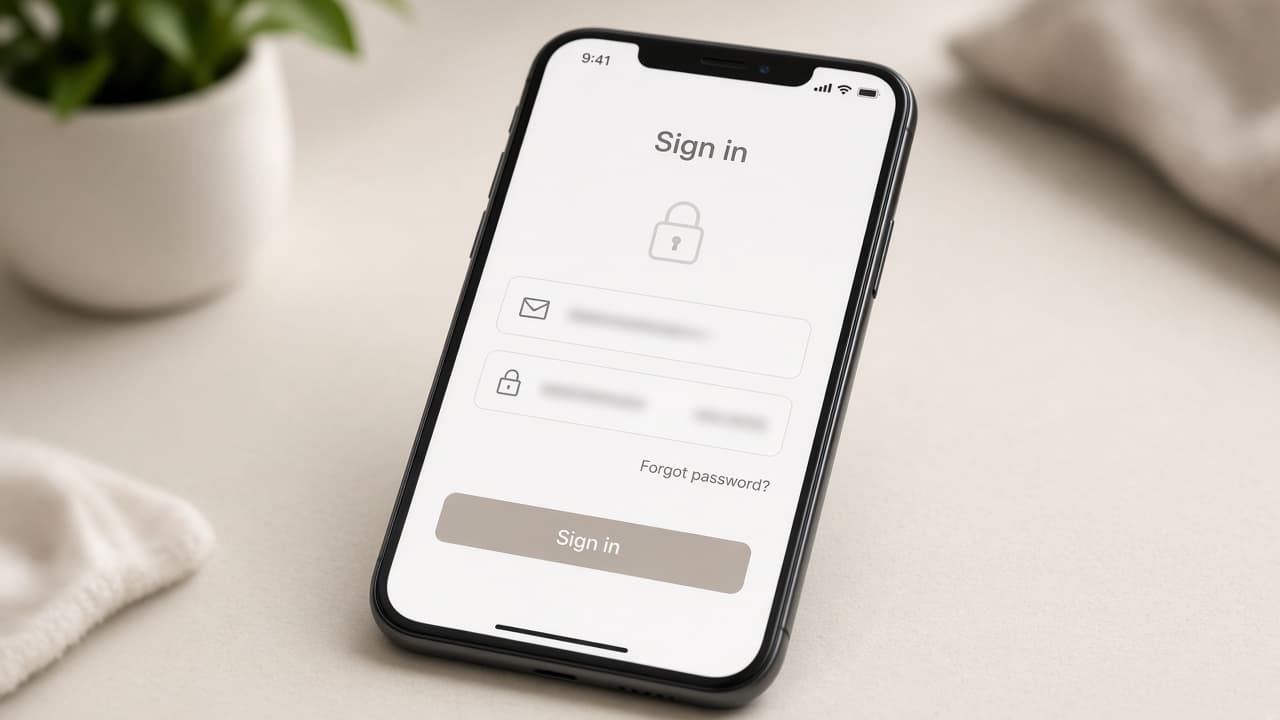
On the official page? Go to the next step.
Step 2: Retype username and password carefully
Disable autofill temporarily and type credentials manually. Watch Caps Lock and keyboard layout. Wait a few seconds after each attempt. If you see a lockout message, pause before more tries.
Still failing? Go to the next step.
Step 3: Try a private window or another browser
Open a private/incognito window, or switch browsers, then try again. Clear Spectrum site cache if the page looks stuck. Expect a clean session to load within about 30–60 seconds.
Still blocked? Go to the next step.
Step 4: Reset your password through Spectrum only
Use Spectrum’s official forgot-password flow and follow the email or verification steps Spectrum sends. Create a strong unique password, then sign in again. Skip any third-party site that asks for your Spectrum credentials.
Reset email never arrives? Contact Spectrum through official support.
Common Spectrum Login Blockers
- Caps Lock or incorrect keyboard layout
- Old saved passwords in the browser
- Account lockouts after multiple failed attempts
- Outdated bookmarked login URLs
When to Contact Spectrum Support
Contact Spectrum if official password recovery fails, the account stays locked, or you suspect unauthorized access. Use How to Contact Spectrum Customer Service and start from Spectrum’s official tools.