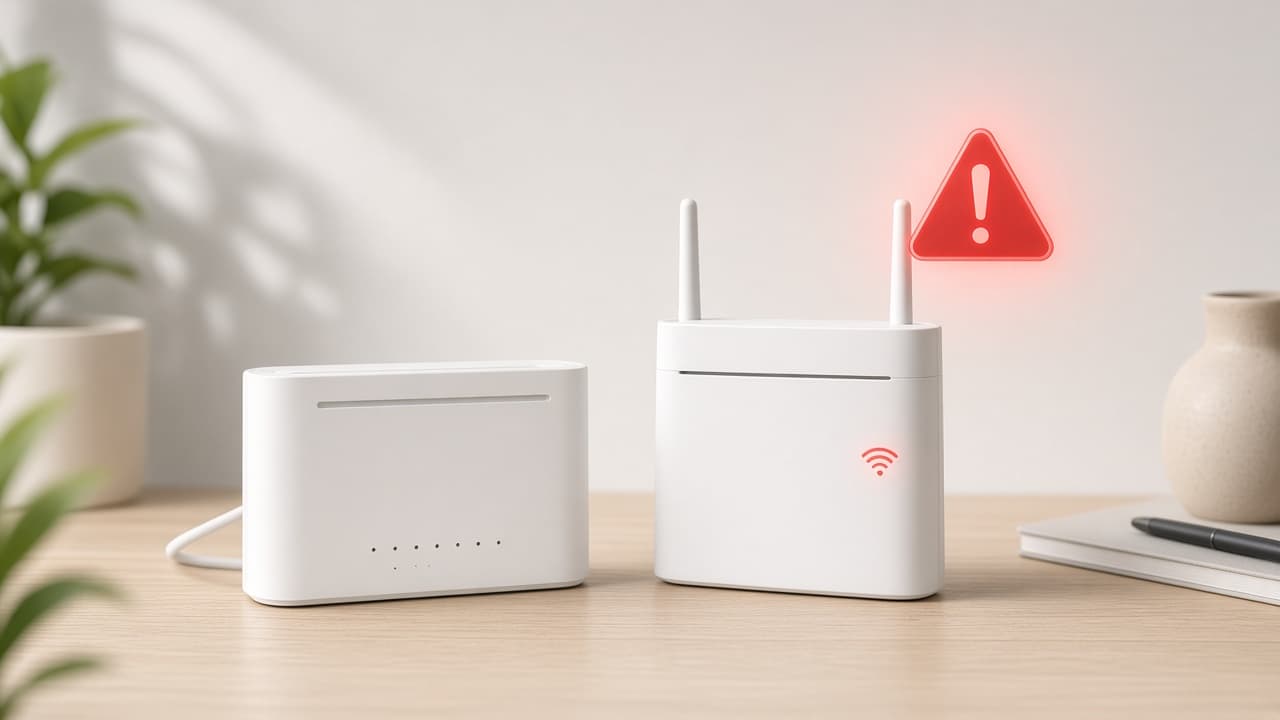
A Spectrum outage and a stuck modem can look the same at home. Work local checks first, then verify status through Spectrum. This site is independent and does not show official live outage data.
How to Check for a Spectrum Outage
Step 1: Rule out a single-device problem
Test a phone, tablet, and computer. If only one device fails, restart that device and reconnect WiFi. If every device is offline, continue. This check usually takes about 1 minute.
All devices offline? Go to the next step.
Step 2: Check modem lights and cables
Confirm power and online lights, then reseat coax and Ethernet. Solid power with no online light often means no signal. Wait 30 seconds after reseating, then retest.
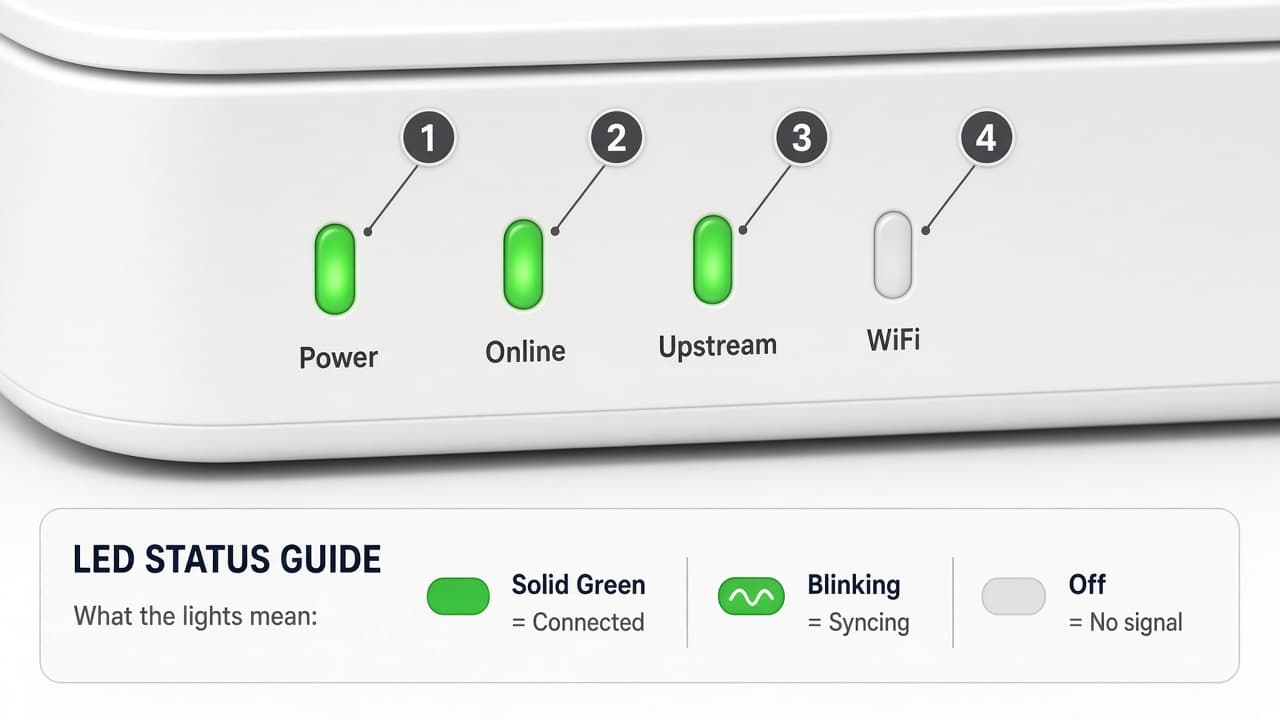
Lights still show no signal? Go to the next step.
Step 3: Restart equipment once
Unplug the modem for 60 seconds. Plug it back in and wait 2–3 minutes for online lights. If you have a separate router, power it after the modem is online. Avoid repeated factory resets during a possible outage.
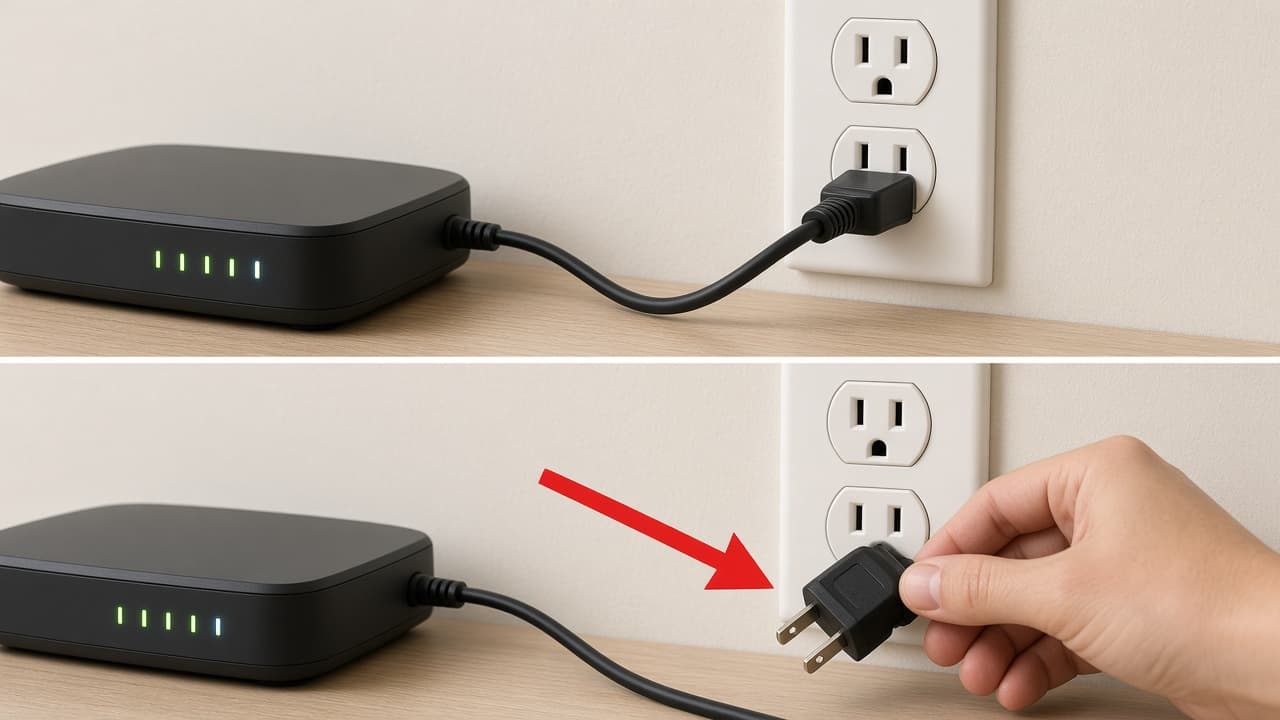
Still offline after restart? Go to the next step.
Step 4: Check official Spectrum status tools
Sign in to your Spectrum account or open Spectrum Support to see whether a known service issue is listed. Wait for the page to load fully before deciding. This site cannot show Spectrum’s live outage feed.
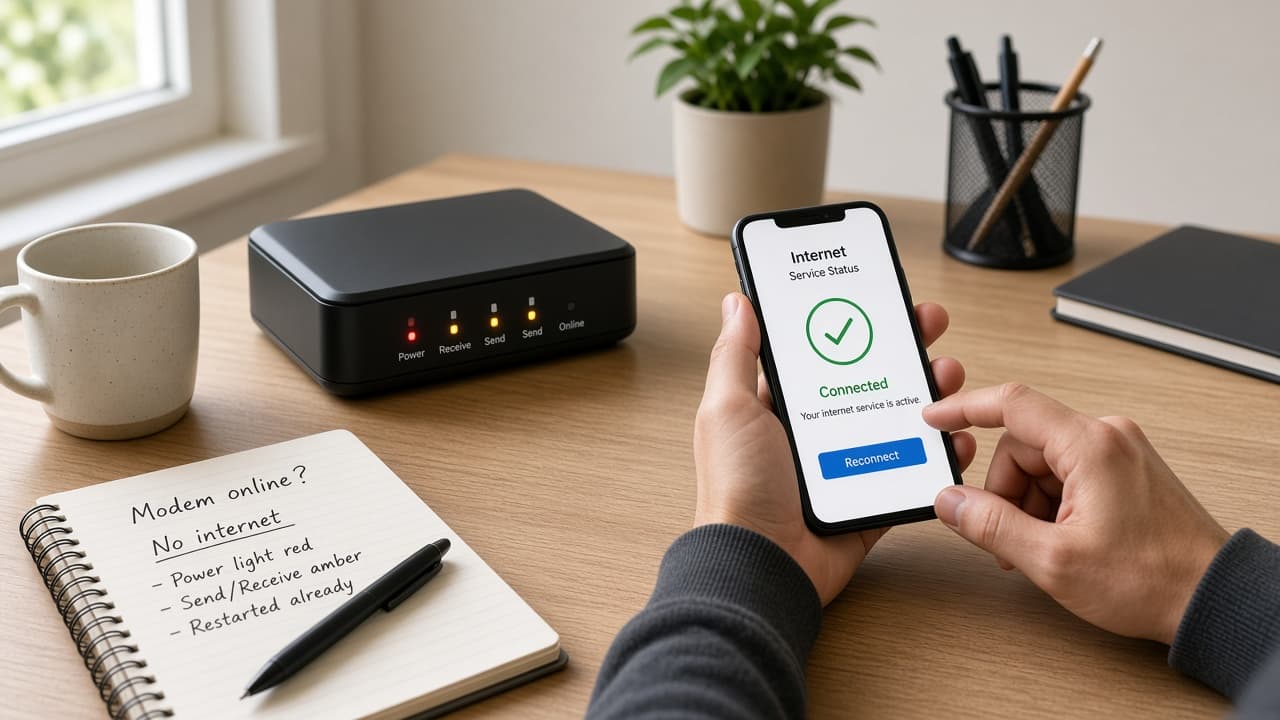
No known outage shown? Go to the next step.
Step 5: Compare nearby service signals
Ask a neighbor on the same provider if they are also offline. If several homes are down, an area disruption is more likely. If only your home is affected, continue with Spectrum Internet Not Working.
What to Do During a Spectrum Disruption
- Keep equipment powered so it can recover automatically
- Note the start time and any status messages
- Avoid repeated factory resets unless necessary
- Recheck Spectrum’s official tools periodically
When to Contact Spectrum Support
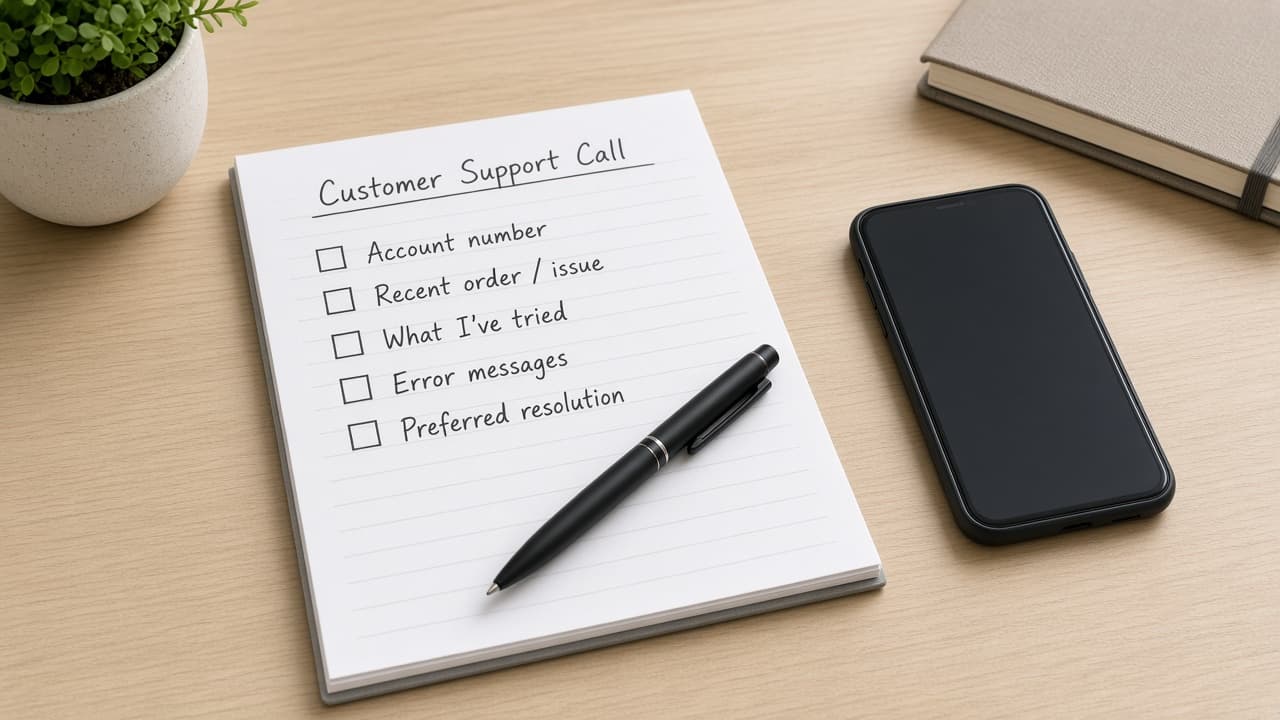
Contact Spectrum if official tools show no outage, equipment stays offline after a careful restart, and nearby homes still have service. Share the steps you already tried. See How to Contact Spectrum Customer Service.