This independent guide shows how to contact Spectrum customer service safely. It does not invent phone numbers. Use Spectrum’s own signed-in tools for current contact options.
How to Contact Spectrum Customer Service
Step 1: Prepare the details support will ask for
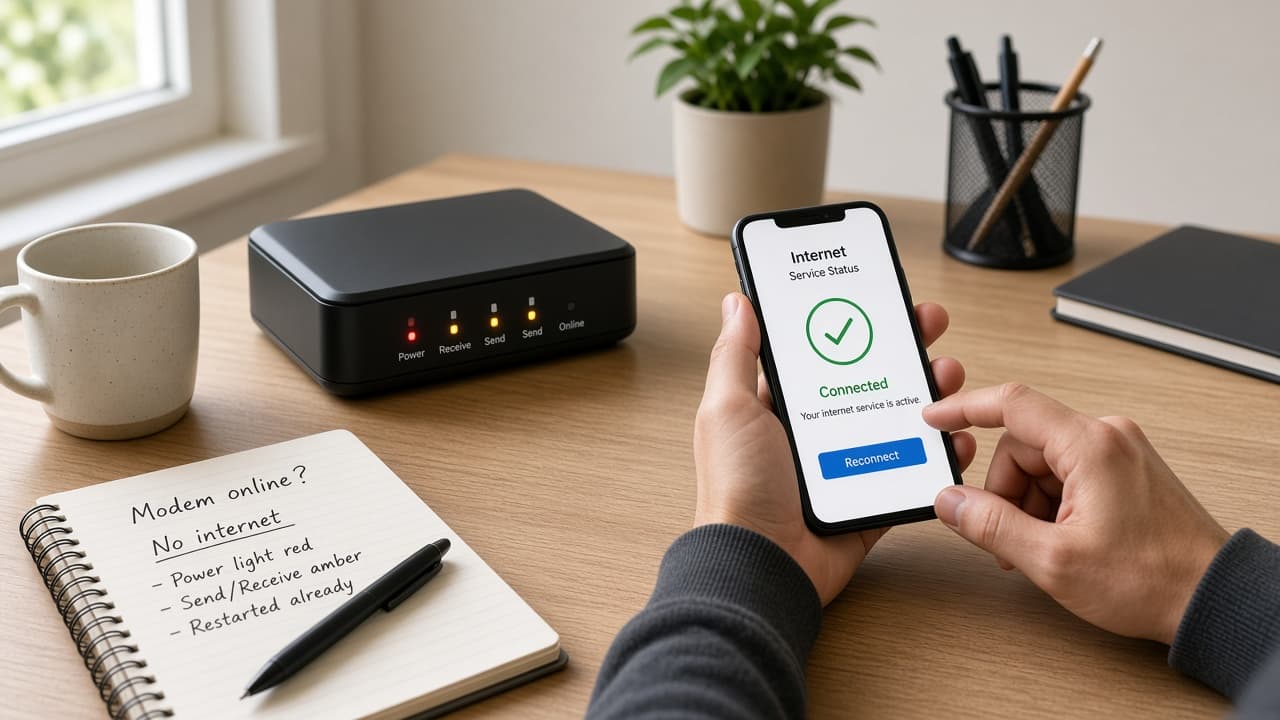
Write down your service address or account number, when the problem started, and the steps you already tried. Add equipment model notes or error screenshots if you have them. Expect this prep to take 2–5 minutes and shorten the support conversation.

Ready with notes? Go to the next step.
Step 2: Open an official Spectrum channel
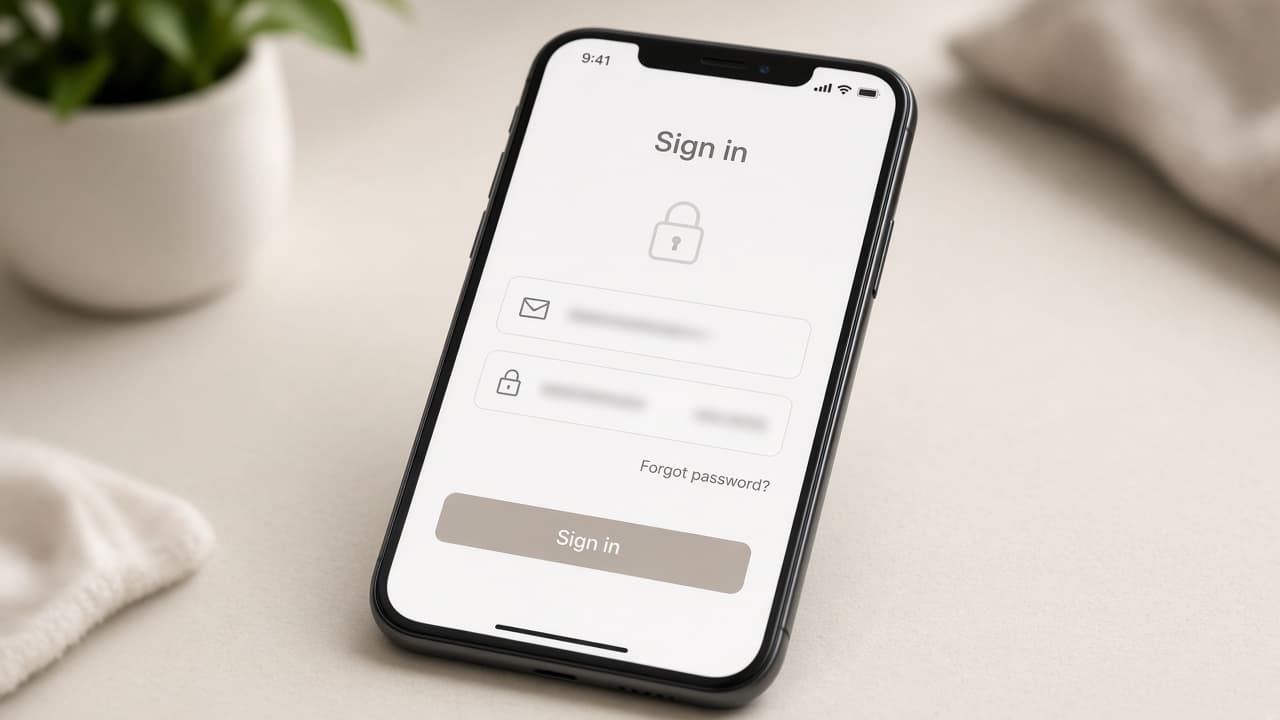
Sign in at Spectrum’s official website or open the Spectrum app, then use support or chat tools shown after sign-in. Prefer channels that start from a page you already trust. Expect a short wait while you authenticate.
On an official page? Go to the next step.
Step 3: Explain the issue in one clear sentence
Lead with the problem, then list what you already tried and the result. Ask for a case or reference number before you end the chat or call. Clear notes help Spectrum skip steps you already completed.
Still stuck after contact? Review related guides below.
What to Avoid When Seeking Spectrum Help
- Phone numbers from sponsored search ads that are not clearly Spectrum
- Third-party sites that ask for your Spectrum password
- Payment forms that are not on Spectrum’s official domain
- Unexpected callers asking for one-time codes
When to Contact Spectrum Support
Contact Spectrum after basic self-checks fail—for example, modem lights stay offline after a restart, billing access is blocked, or official status tools show no outage but service remains down. Related guides: Spectrum Internet Not Working and How to Check for a Spectrum Outage.