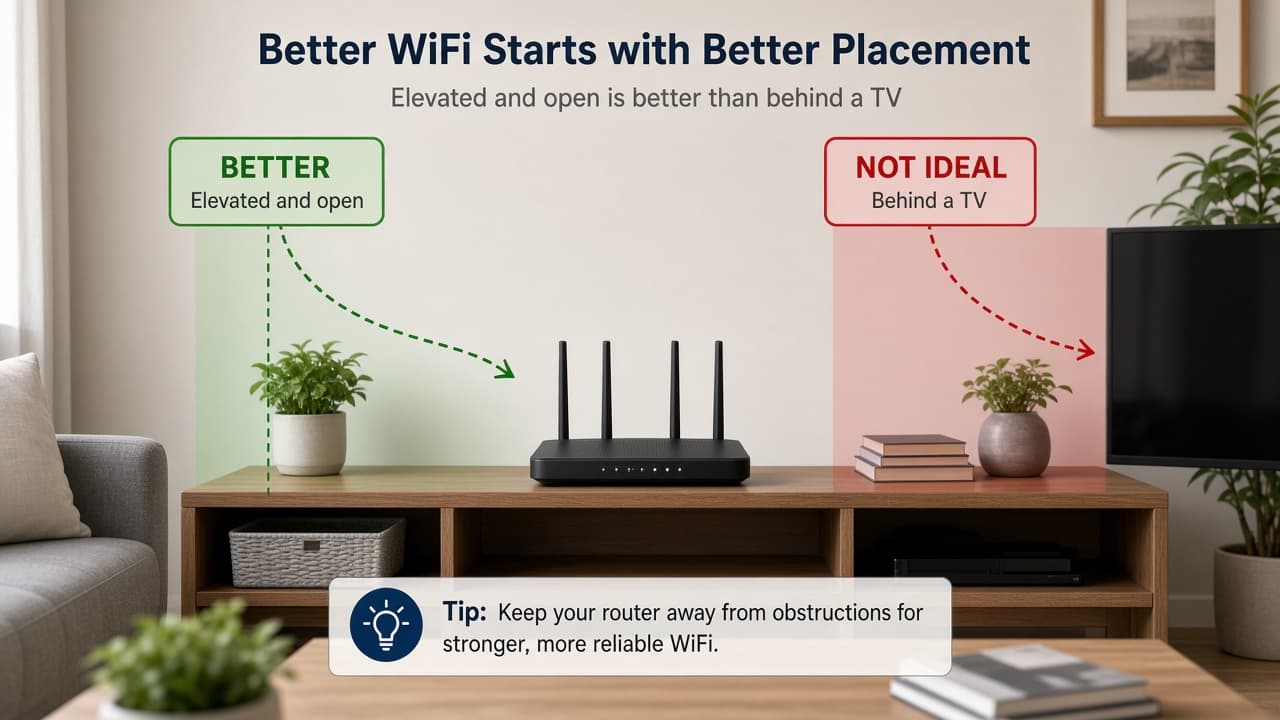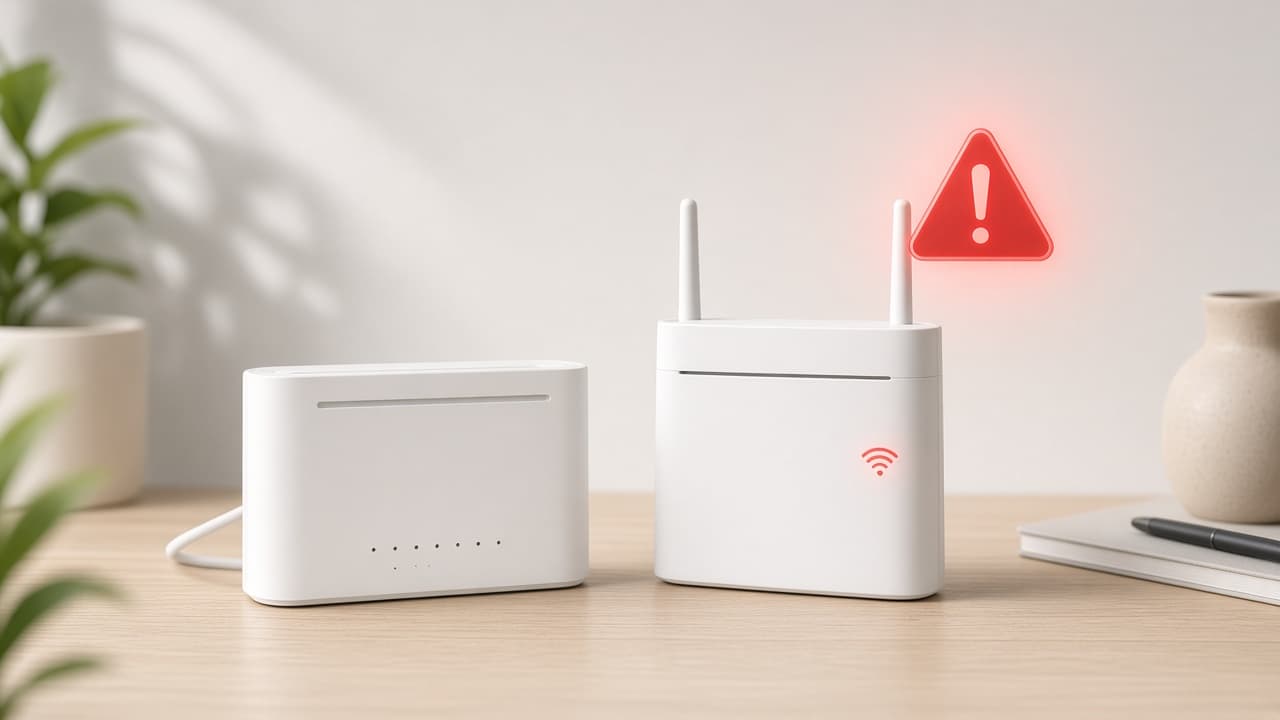
Most Spectrum internet not working cases are local: a loose cable, a stuck modem, or a WiFi-only issue. Work through the steps below in order. Stop when service returns.
How to Fix Spectrum Internet Not Working
Use these numbered steps first. Each step includes what to do, how long to wait, and what result to expect.
Step 1: See if every device is offline
Try a phone, tablet, and computer on the same Spectrum connection. If only one device fails, restart that device and forget/rejoin WiFi. If every device is offline, continue. Expect this check to take about 1 minute.
Still not working? Go to the next step.
Step 2: Check the modem back-panel cables
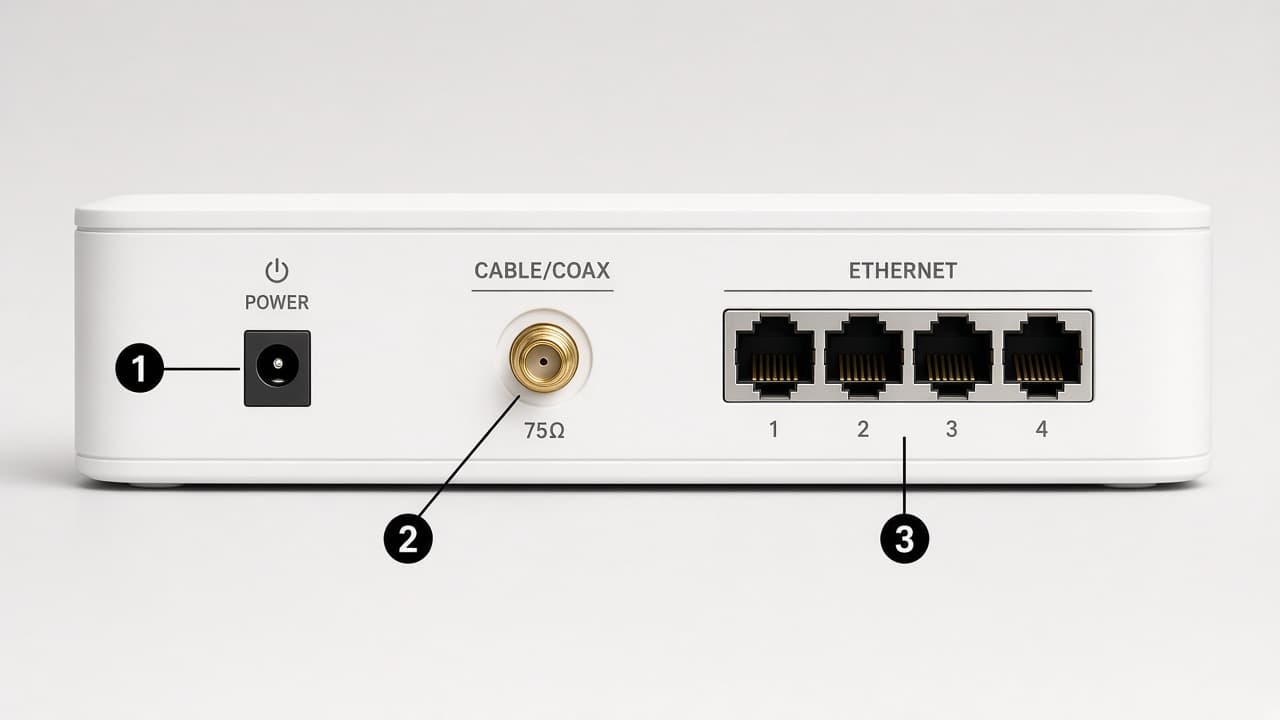
Confirm the coax cable is snug in the wall outlet and modem. If you use a separate router, confirm the Ethernet cable is seated between modem and router. Wait 30 seconds after reseating, then retest. A firm click on coax often restores signal.
Still not working? Go to the next step.
Step 3: Read the modem status lights
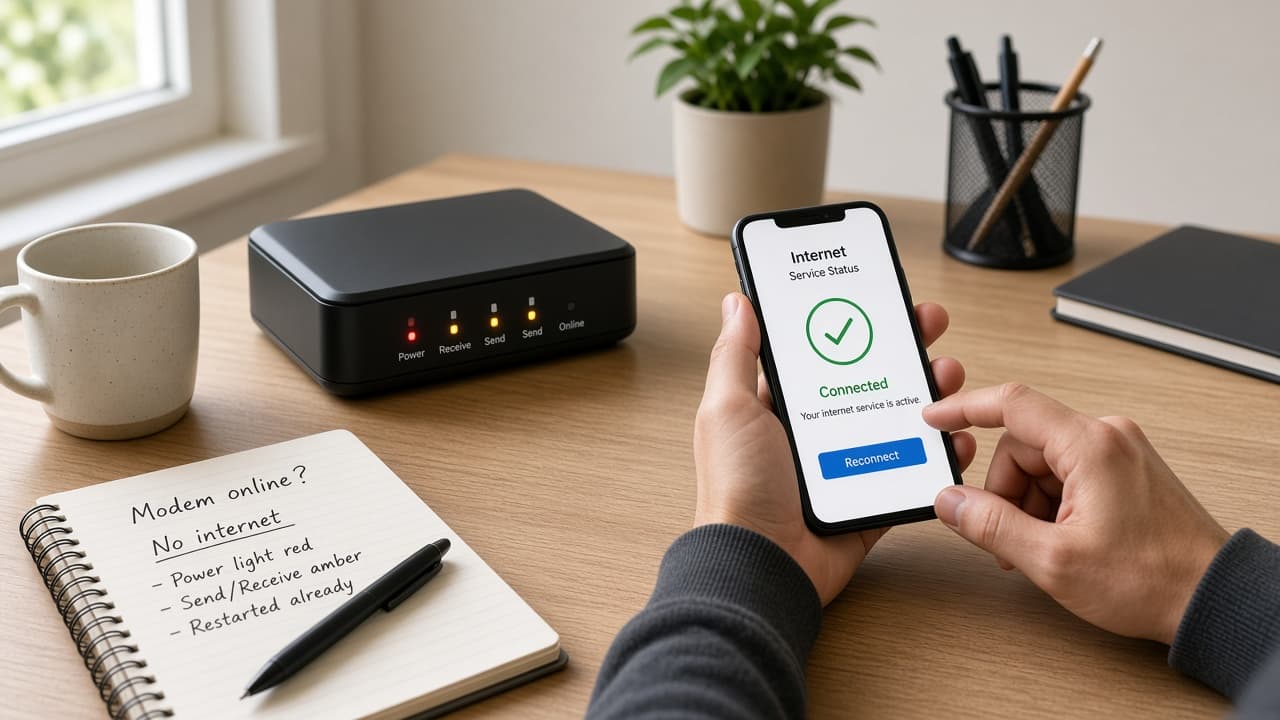
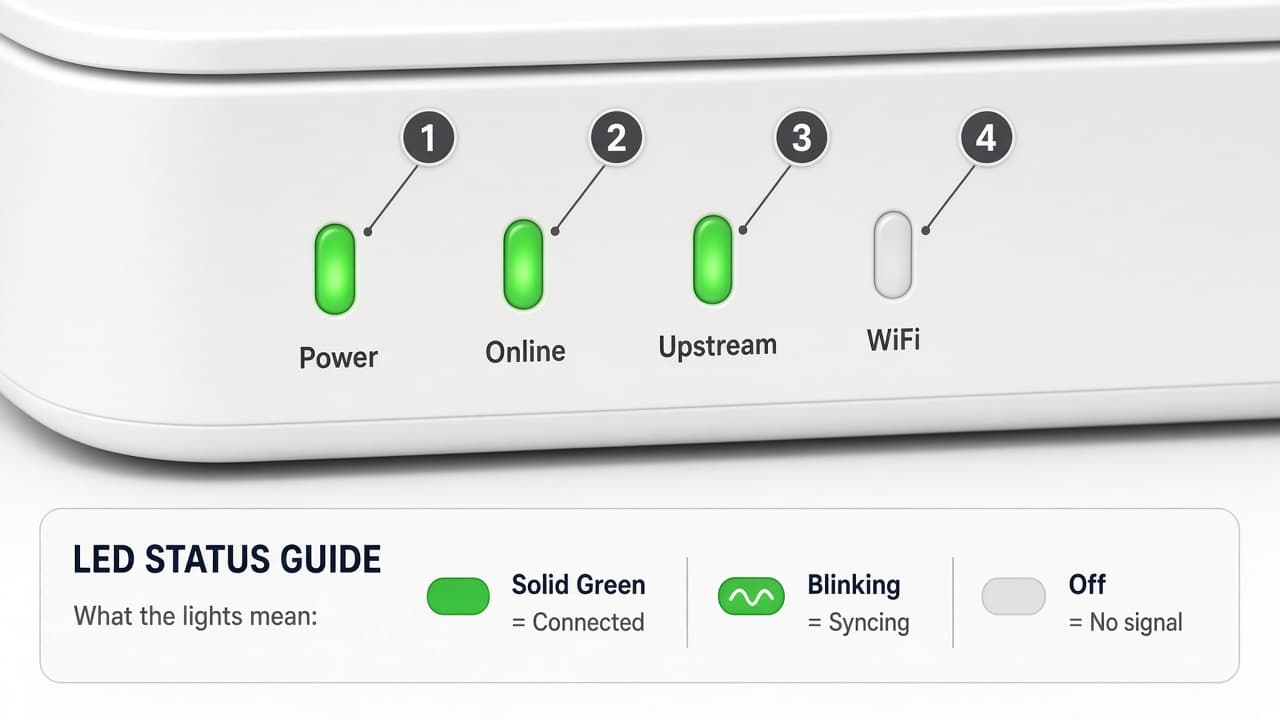
Look at Power and Online (or Downstream/Upstream) lights. Solid power with no online light usually means no signal. Blinking online lights can mean the modem is still syncing—wait 2–3 minutes. If lights stay dark after a power check, inspect the outlet and adapter.
Still not working? Go to the next step.
Step 4: Restart the modem and router
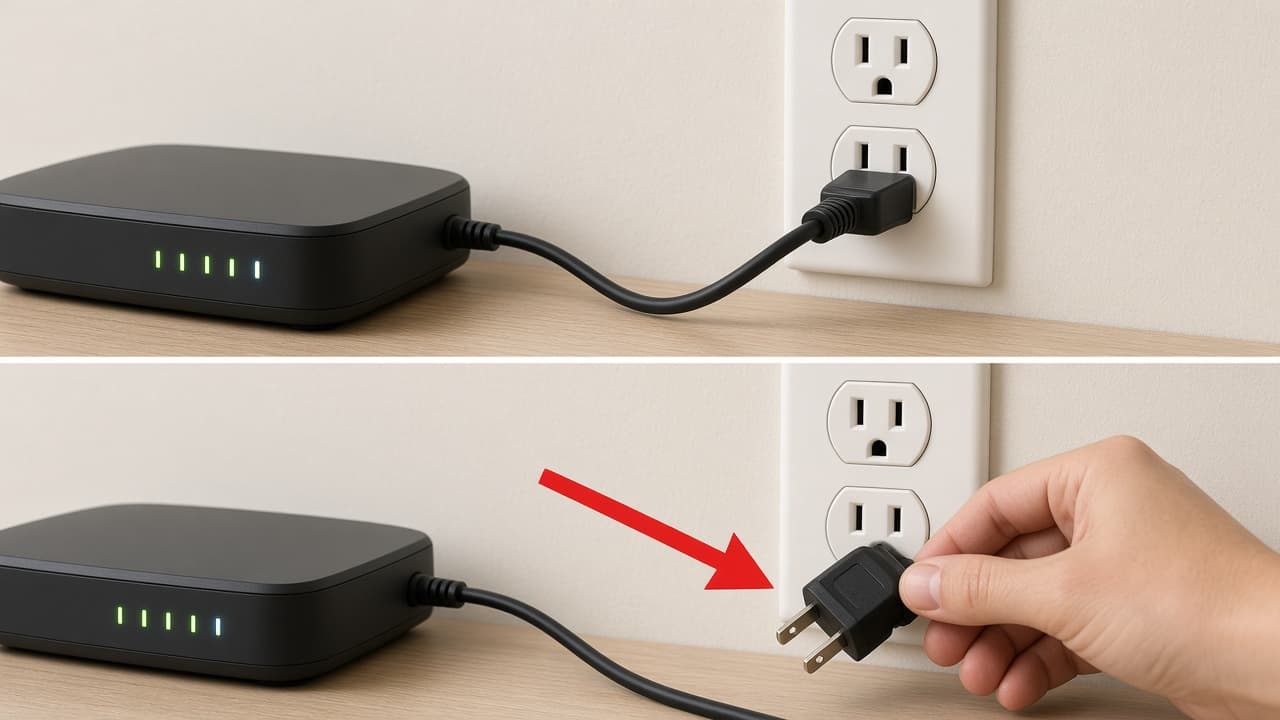
Unplug the modem power cord. If you have a separate router, unplug that too. Wait a full 60 seconds. Plug the modem in first and wait until online lights settle (often 2–3 minutes). Then power the router and wait another 1–2 minutes before testing.
Still not working? Go to the next step.
Step 5: Test with a wired connection
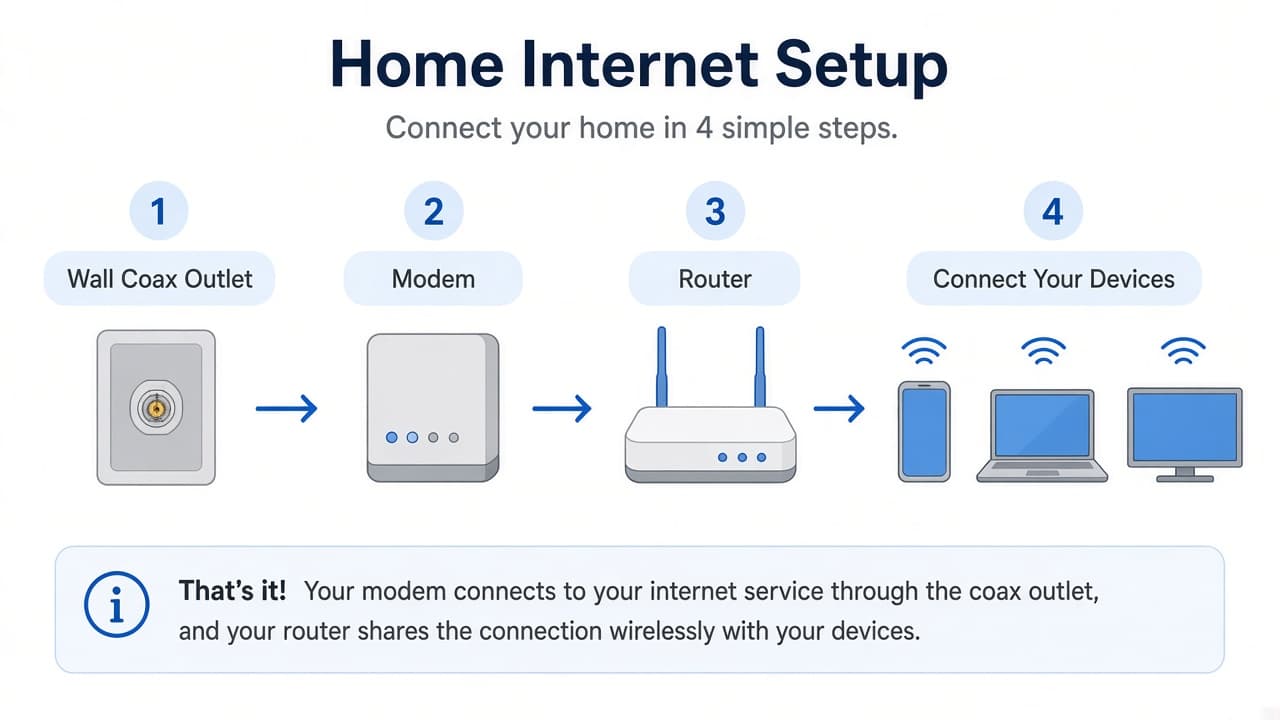
If possible, connect a laptop by Ethernet to the modem or gateway. If wired works and WiFi does not, the Spectrum internet service may be fine and the issue is wireless. In that case, open Spectrum WiFi Not Working.
Still not working on wired and WiFi? Go to the next step.
Step 6: Rule out a Spectrum service interruption
If multiple devices stay offline after a restart, check Spectrum’s official account or support tools for a known service issue. Also ask a neighbor on the same provider if their service is down. This site does not publish live official outage data.
No known outage and still offline? Go to the next step.
Step 7: Prepare details before contacting Spectrum
Write down light colors, what you already tried, and the time the problem started. Then contact Spectrum through official support channels. Prefer signed-in chat or account tools over phone numbers from ads. See How to Contact Spectrum Customer Service.
Common Causes of Spectrum Connection Drops
- Loose or damaged coax/Ethernet cables
- Modem stuck mid-sync after a power blip
- WiFi-only failure while wired internet still works
- Local Spectrum service interruption
- Overloaded or outdated device network settings
When to Contact Spectrum Support
Contact Spectrum through official channels if modem lights show no signal after restarts, every device stays offline, or official tools show no outage but service remains down. Use Spectrum Support for current contact options. Do not share passwords on third-party sites.