Internet & WiFi Help
Troubleshoot Spectrum internet problems, slow speeds, WiFi issues, and connection drops.
Articles in this category
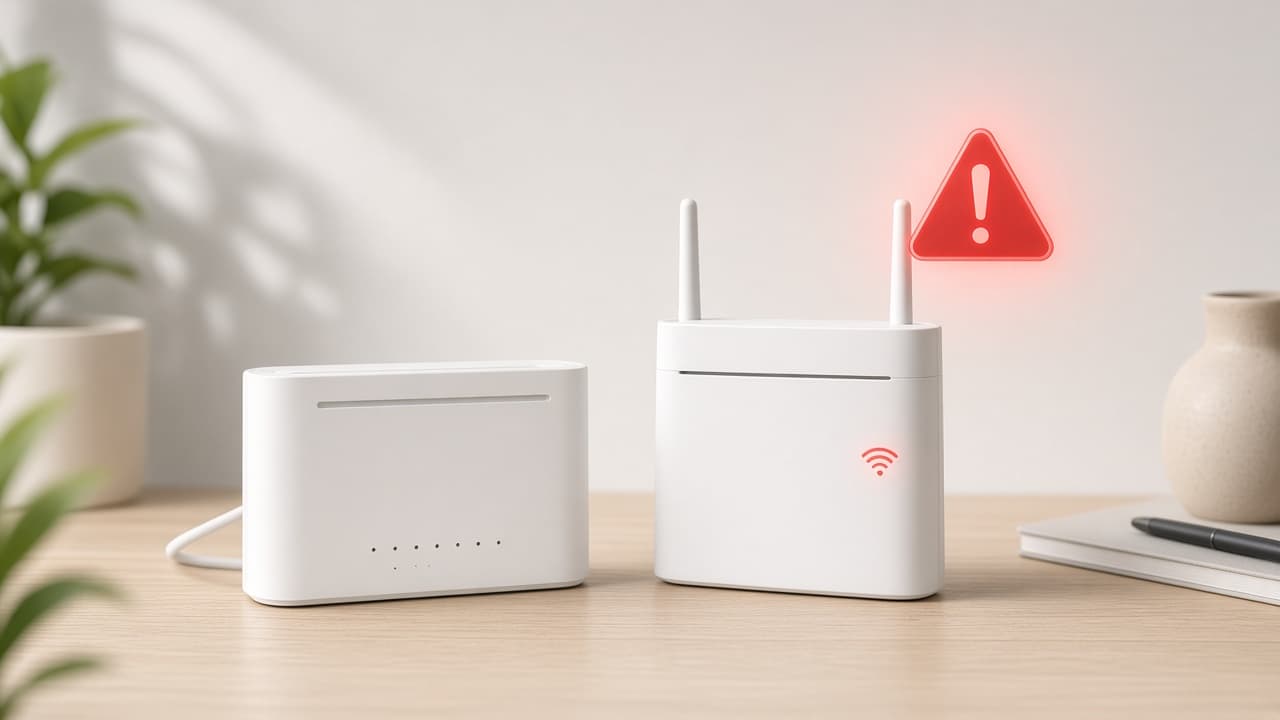
Spectrum Internet Not Working? Try These 7 Fixes
Fix Spectrum internet not working with a clear checklist: check lights, reseat cables, restart equipment, test devices, and rule out an outage.
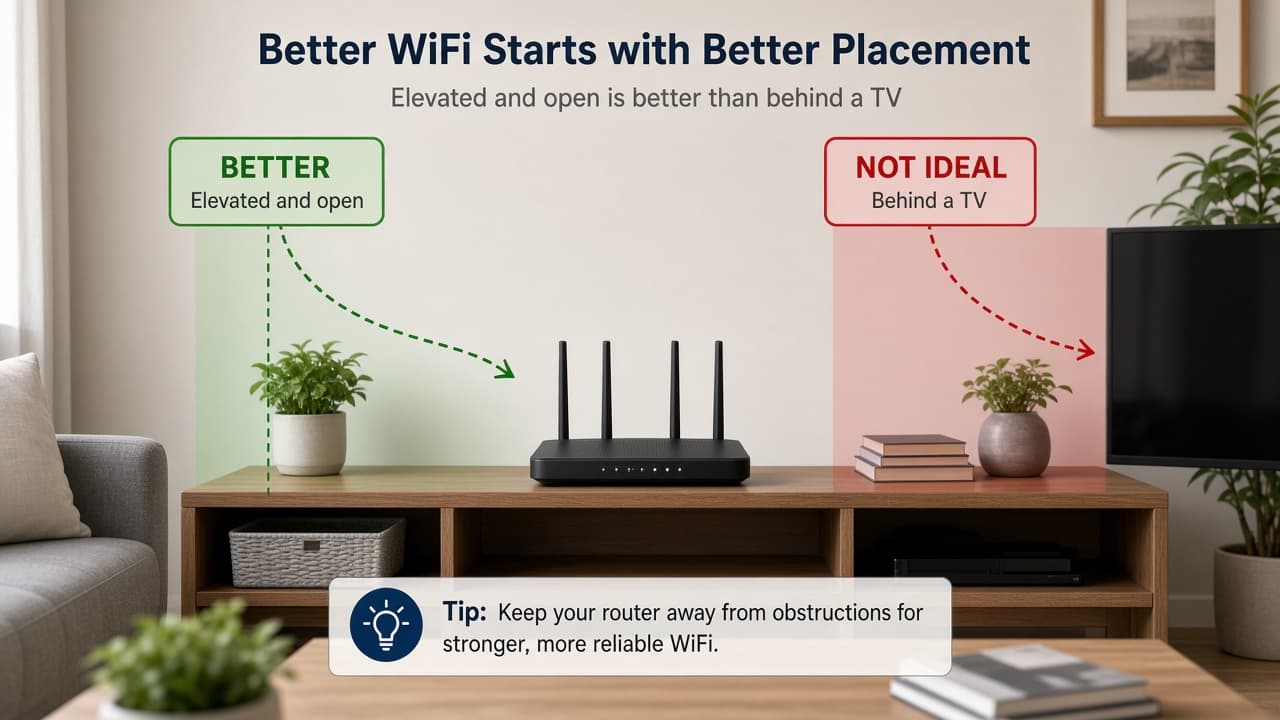
Spectrum WiFi Not Working? Fix It Step by Step
Fix Spectrum WiFi not working with device checks, router placement tips, soft restarts, and a wired test to separate WiFi from full outages.
About Internet & WiFi Help
Use these guides to diagnose Spectrum internet and WiFi problems at home. Topics include no connection, slow speeds, weak WiFi, and frequent disconnects, with practical steps you can try before contacting support.
Topics covered in Internet & WiFi Help
This category includes practical help for common Spectrum questions related to internet & wifi help. Use the guides above to follow step-by-step fixes, then confirm account actions on Spectrum’s official website when needed.
- No internet connection
- Slow speeds
- WiFi connectivity
- Frequent disconnects
Frequently asked questions
Start by restarting your modem and router, checking all cable connections, testing with an Ethernet cable if possible, and confirming whether nearby devices also have issues. Then check whether a local outage may be affecting service.
Related help categories
Explore connected Spectrum topics that often come up with internet & wifi help.
- Equipment & DevicesGuidance for Spectrum routers, modems, receivers, and common equipment problems.
- Outages & Service ProblemsLearn how to check for Spectrum outages, report service problems, and what to do during disruptions.
- Errors & Technical IssuesSolve common Spectrum error messages, activation issues, and technical troubleshooting steps.