Spectrum WiFi problems are often local: password issues, weak signal, or a router that needs a soft restart. Use the steps below before assuming Spectrum internet is down.
How to Fix Spectrum WiFi Not Working
Step 1: Check whether one device or all WiFi fails
Compare a phone and a laptop on the same Spectrum WiFi network. If only one device fails, restart that device and toggle airplane mode. If every wireless device fails, continue. This check usually takes under 2 minutes.
Still not working? Go to the next step.
Step 2: Forget the network and reconnect
On the affected device, forget the Spectrum WiFi network, then reconnect with the correct password. Wrong saved passwords are a common cause after a router change. Expect a reconnect within about 30 seconds if the password is correct.
Still not working? Go to the next step.
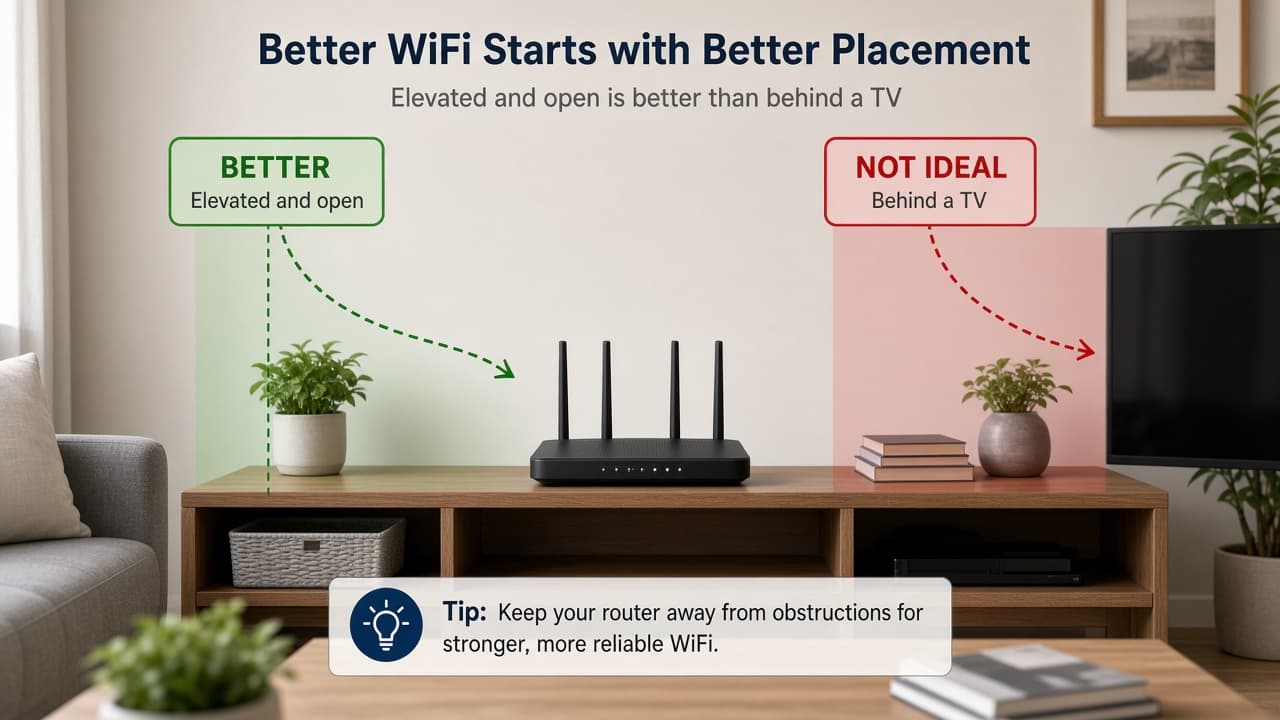
Step 3: Move closer and improve router placement
Stand near the router and retest. If signal improves nearby, placement is the issue. Keep the router elevated and open—not buried behind a TV or inside a cabinet. Retest after moving it.
Still not working? Go to the next step.
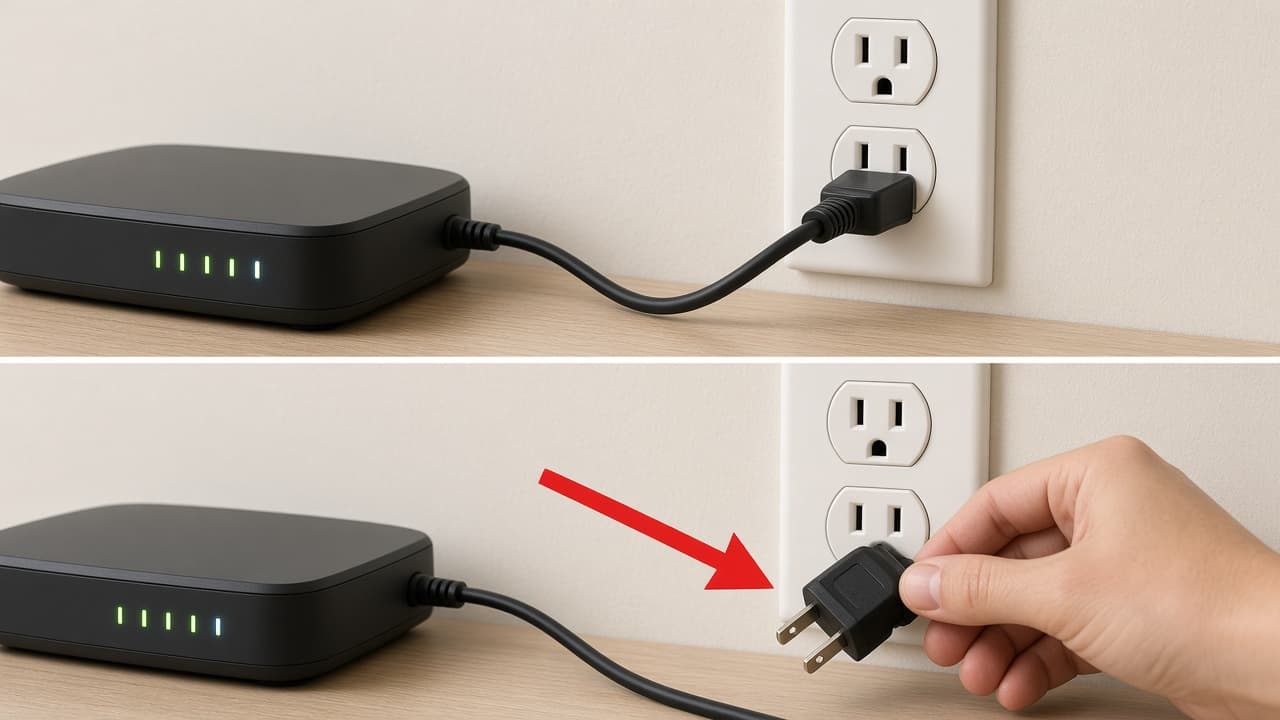
Step 4: Restart the Spectrum router or gateway
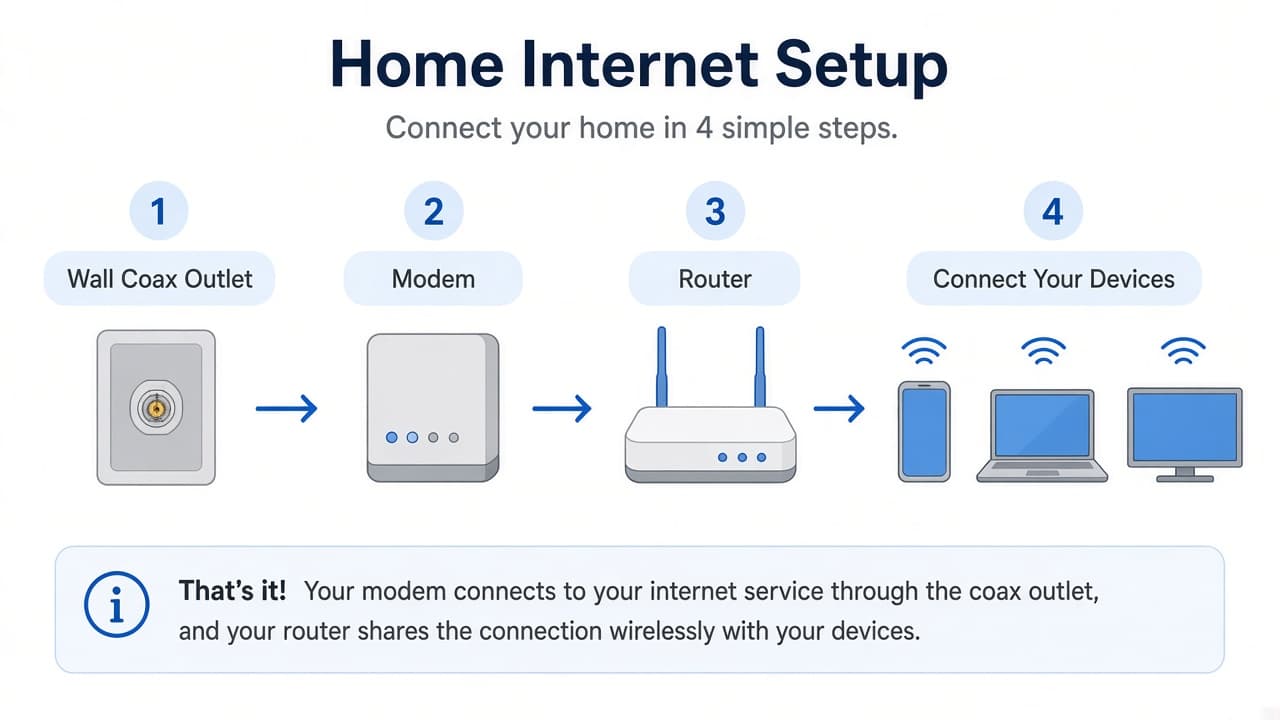
Unplug router power for 60 seconds, then plug it back in. Wait 1–2 minutes for WiFi lights to return before reconnecting devices. If the modem and router are separate, keep the modem powered while you restart the router.
Still not working? Go to the next step.
Step 5: Test Ethernet to separate WiFi from internet
Connect a laptop by Ethernet if you can. If wired internet works, Spectrum service is likely up and the problem is wireless. If wired also fails, switch to Spectrum Internet Not Working.
Wired fails too? Follow the internet troubleshooting guide.
Common Spectrum WiFi Problems
- Device stuck on an old WiFi password
- Weak signal through walls or distance
- Too many devices on a congested band
- Router needs a soft restart after a power blip
- Full internet outage mistaken for a WiFi issue
When to Contact Spectrum Support
Contact Spectrum through official channels if wired internet works but WiFi stays down after restarts and nearby tests. Use Spectrum Support. For safer contact habits, see How to Contact Spectrum Customer Service.