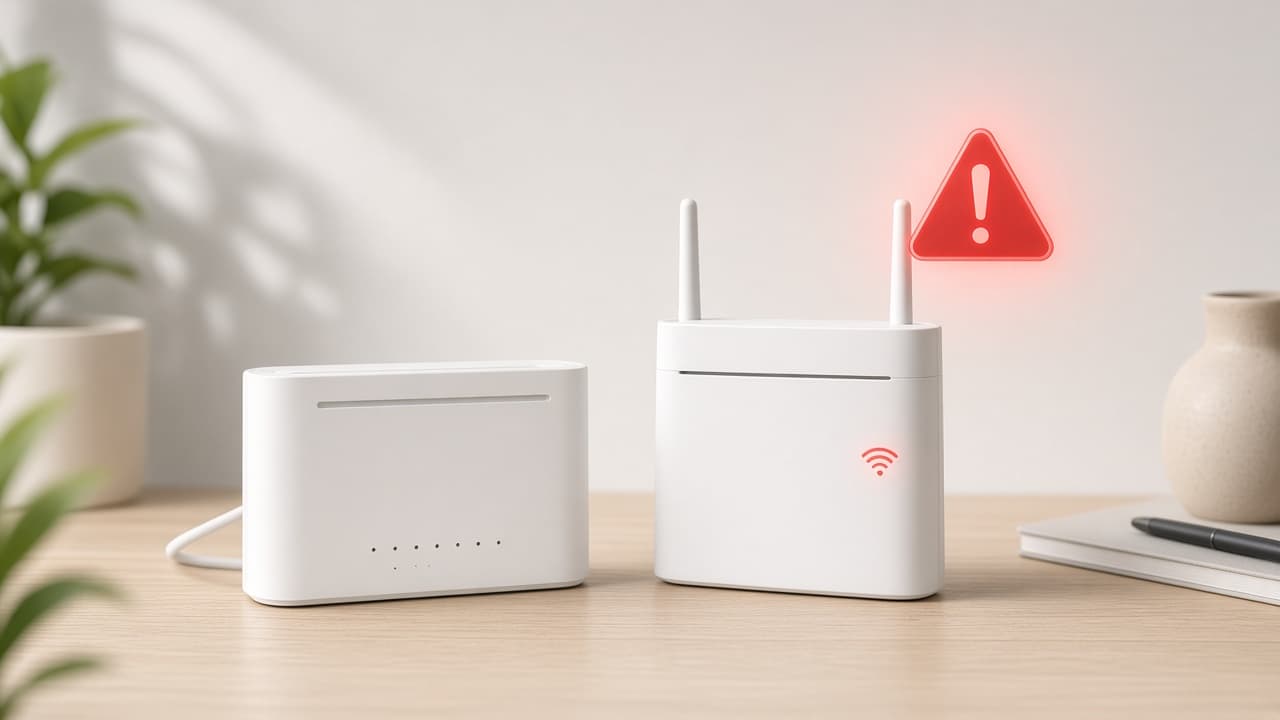
Spectrum TV app problems are often local: a stuck session, an outdated app, or weak WiFi. Use the steps below in order. Stop when streaming returns.
How to Fix Spectrum TV App Not Working
Step 1: Confirm your internet connection
Open another streaming app or a browser on the same network. If everything is offline, fix the connection first with Spectrum Internet Not Working. If other apps work, continue here. This check takes about 1 minute.
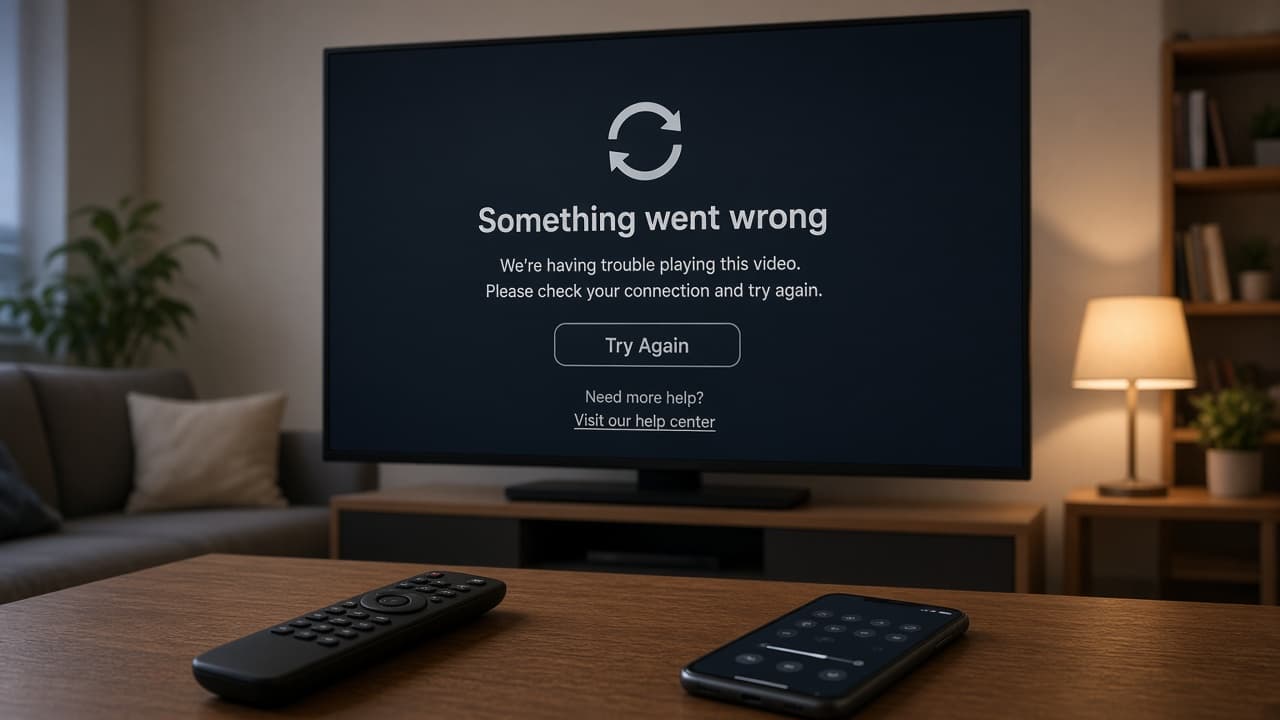
Internet works elsewhere? Go to the next step.
Step 2: Force-close and reopen the app
Fully close the Spectrum TV app on your phone, tablet, smart TV, or streaming stick, then reopen it. Wait 10–20 seconds for the home screen. A stuck session often clears at this step.
Still failing? Go to the next step.
Step 3: Sign out, then sign back in
Sign out of the Spectrum TV app, wait about 30 seconds, then sign in with the Spectrum credentials tied to your TV service. If login fails everywhere, review Spectrum Account Login Help.
Still not streaming? Go to the next step.
Step 4: Update the app and restart the device
Update the Spectrum TV app from your device’s official app store, then restart the device. Wait 1–2 minutes after reboot before opening the app again. Outdated builds are a common crash cause.
Updated and restarted with no luck? Go to the next step.
Step 5: Improve WiFi or reinstall the app
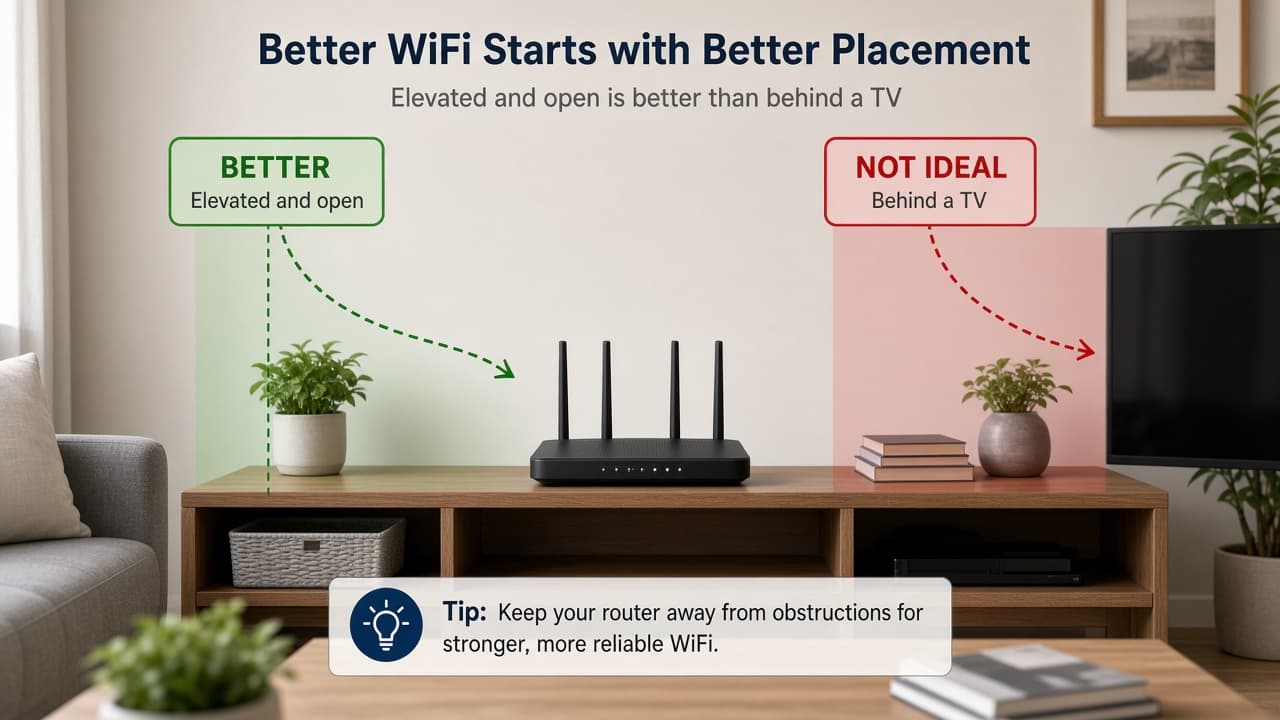
Move closer to the router or pause other large downloads, then retest. If playback still fails, uninstall and reinstall the Spectrum TV app, sign in again, and test one channel. Expect reinstall and sign-in to take a few minutes.
Account and Network Checks for Streaming
- Confirm you are signing in with credentials tied to an active TV-capable service
- Confirm the device is supported for Spectrum TV streaming
- Check whether other Spectrum services are also disrupted
- Test a stronger WiFi band or a wired adapter if your device allows it
When to Contact Spectrum Support
Contact Spectrum if the app fails across multiple devices after updates, sign-in retries, and reinstalls. Note device models, app version, and exact error messages. Start with How to Contact Spectrum Customer Service.